


The church, in your pocket.
The devotional, the Bible, sermons, events, prayer and giving — everything the church puts out, on your phone. Here is what it does.
The app is not in the App Store yet — it is still being tested. This guide is here so you know what is coming.
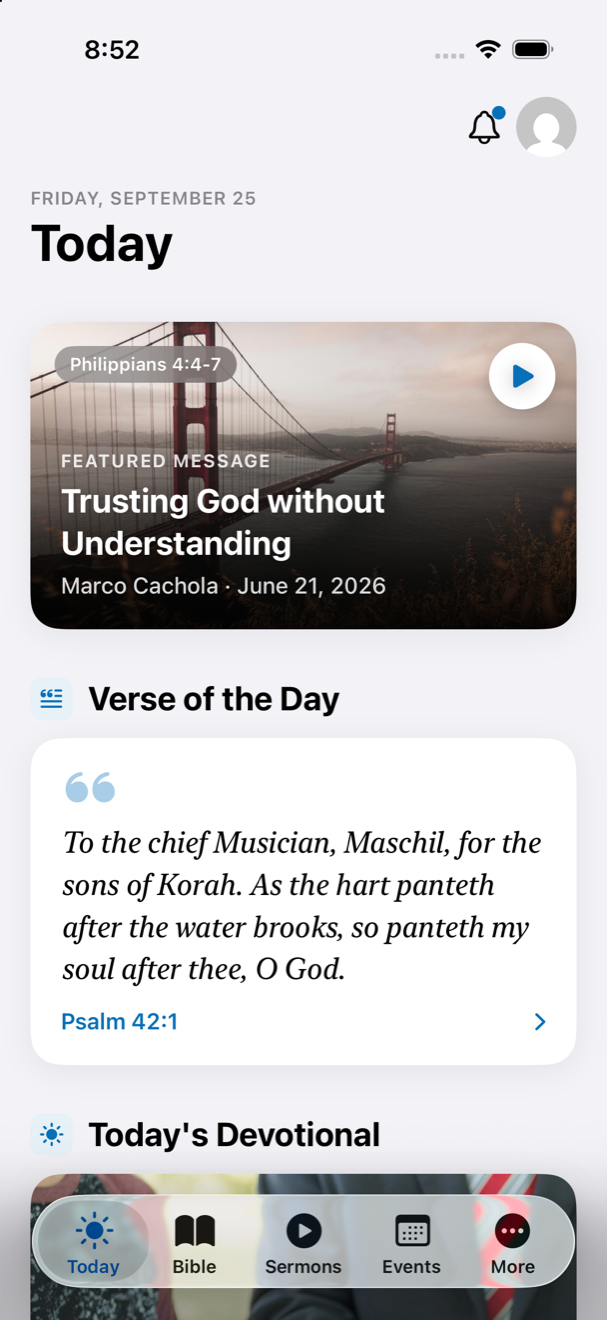
Today
Open the app and the day is already laid out — in the order you actually need it.
- Coming Up — the next thing happening at the church, with the time and directions.
- Verse of the Day — the same verse on every phone in the church.
- Today’s devotional, with its key verse and the whole piece a tap away.
- Today’s reading with your points and streak, the two leaderboards, and the Community Feed of what the church has been reading and marking.
- On a Sunday, the message outline to follow along with the sermon.
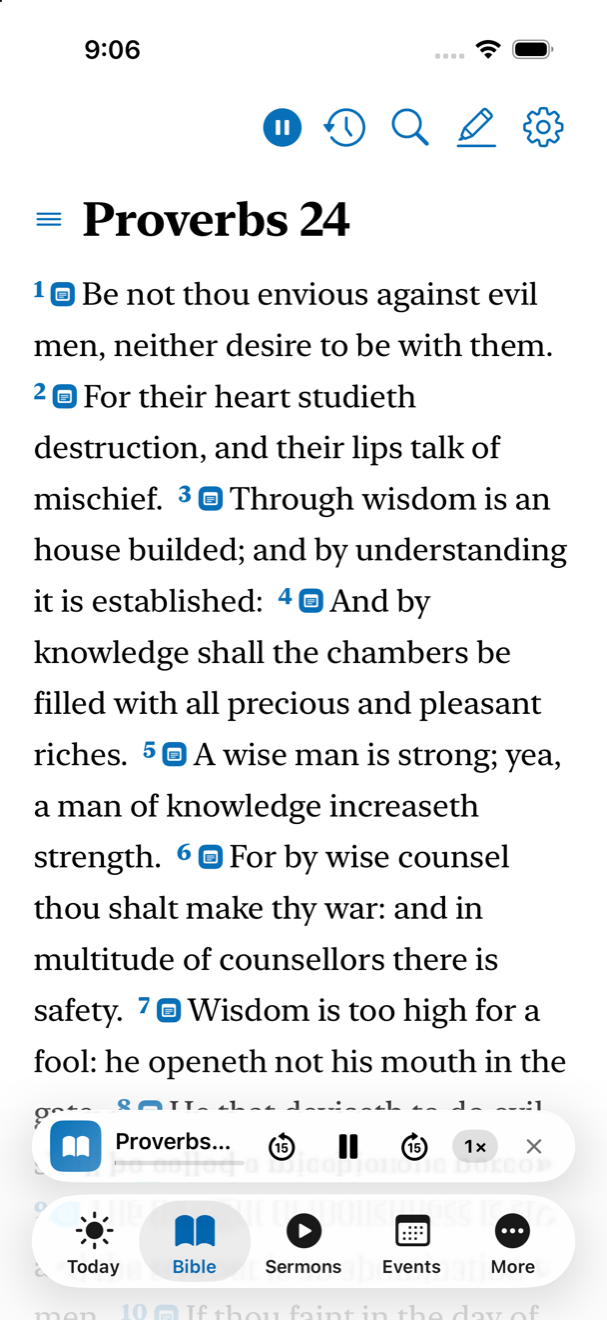
A King James Bible built for study.
It remembers where you were and opens there next time. Swipe to turn chapters; everything else is on one small bar at the top.
- Listen — the chapter read aloud, carrying on into the next one, still playing with the screen locked — with 15-second skips and a speed control on the player.
- Search — verses and topics across the whole Bible.
- AA — text size and the audio options.
- Highlights & Notes — everything you have ever marked, in one list.
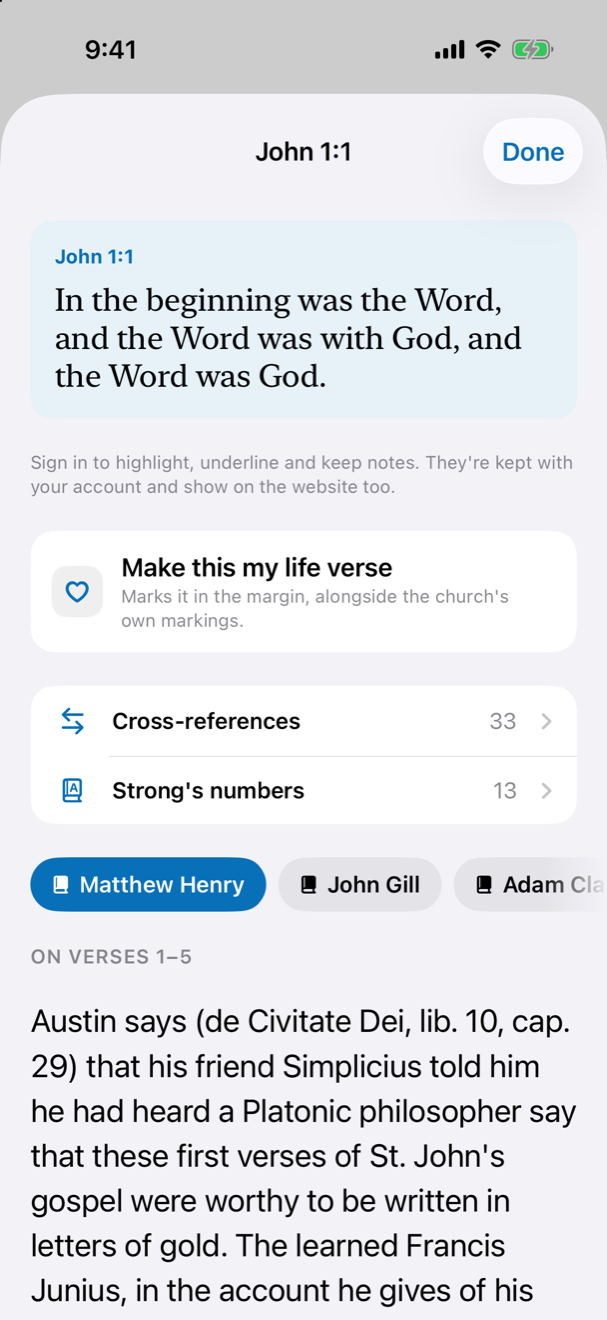
Tap a verse and the study opens under it.
Six classic commentaries, the pastor’s own notes, the Greek and Hebrew behind the words, and somewhere to put your own thoughts.
- Highlight in six colours or underline in six — the same colours the website uses, so a verse marked on your phone looks the same everywhere.
- Notes and topics of your own, private to you and kept with your account.
- Strong’s numbers and cross-references, both switches you turn on when you want them.
- Make this my life verse, and it is marked in the margin from then on.
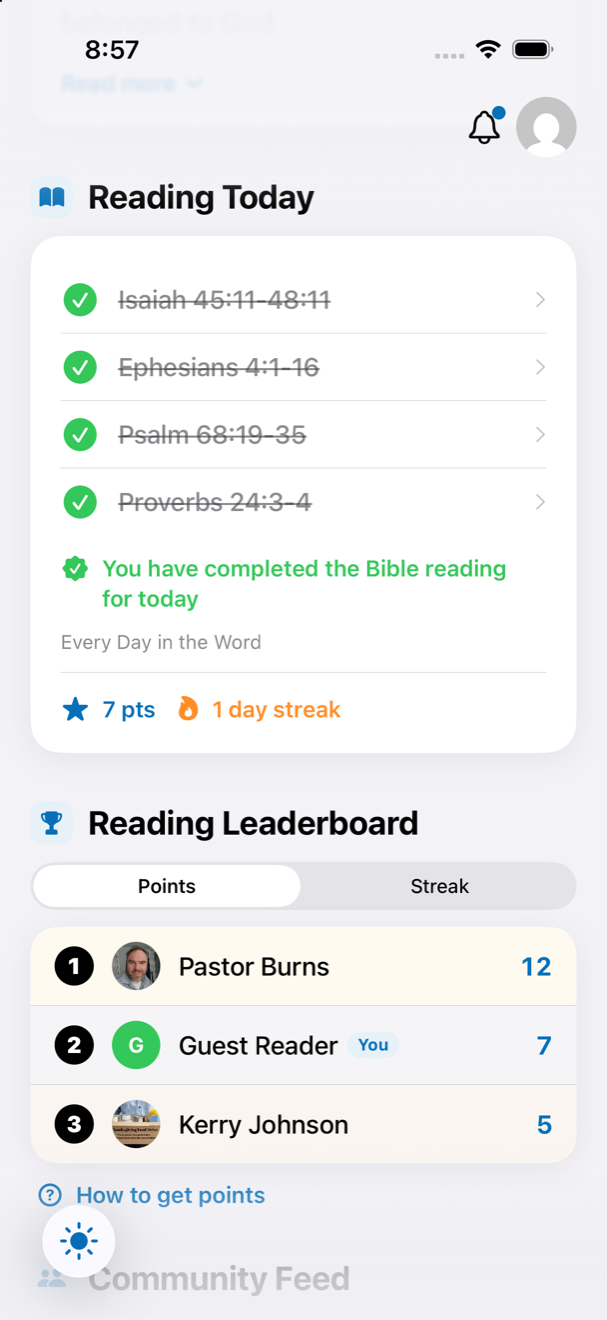
A plan to read through, and points for keeping it.
Open a passage from Reading Today and finish it inside the reader — that is what counts. Five points for finishing the day; the streak is the days in a row. Both sit under the reading, and the leaderboard sits under them.
- Two boards: Points, which starts over on the 1st of every month, and Streak, which never resets. The top five, and See all for the rest.
- Continue picks up exactly where you stopped; the strip of dots shows the week.
- It is the same account as the website, so the numbers are the same everywhere.
Five questions when you finish.
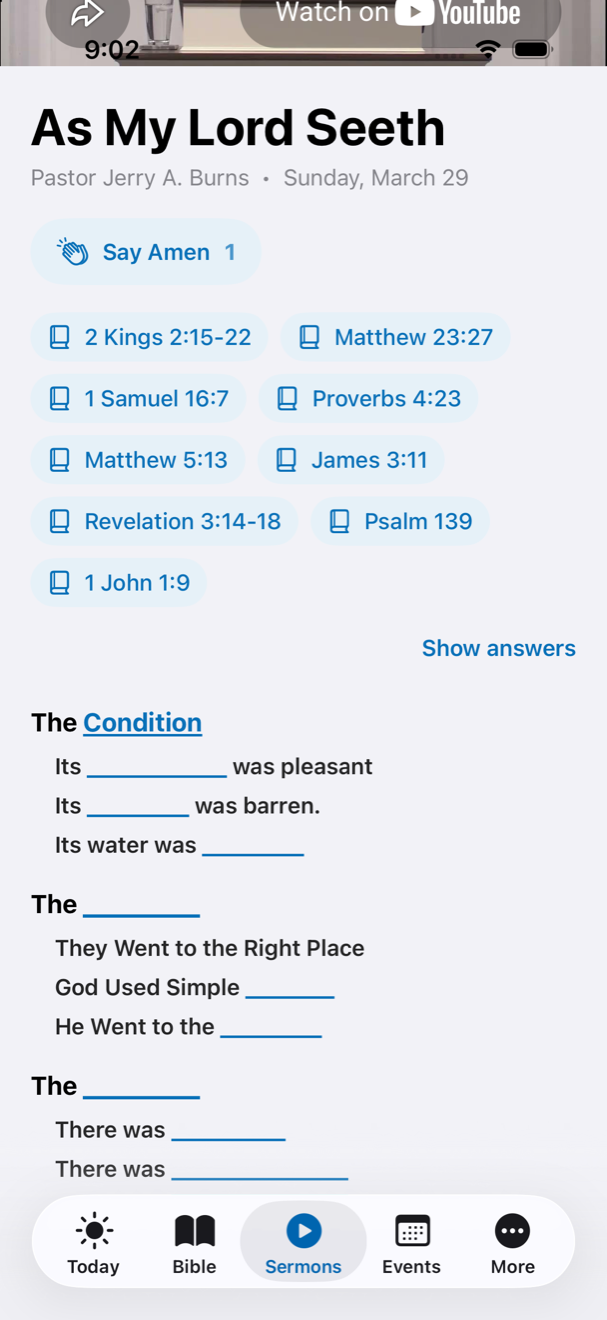
The moment the day’s reading is done, five questions about what you just read come up — 15 seconds each, 2 points for every right answer.
- A ring counts the seconds down. Tap an answer and it locks in and the next one comes up; let the ring run out and that one counts as wrong.
- Skip them and your reading still counts — the 5 points for finishing are yours either way.
- One sitting a day. The score card shows what you got, what it paid, and your total for the month.
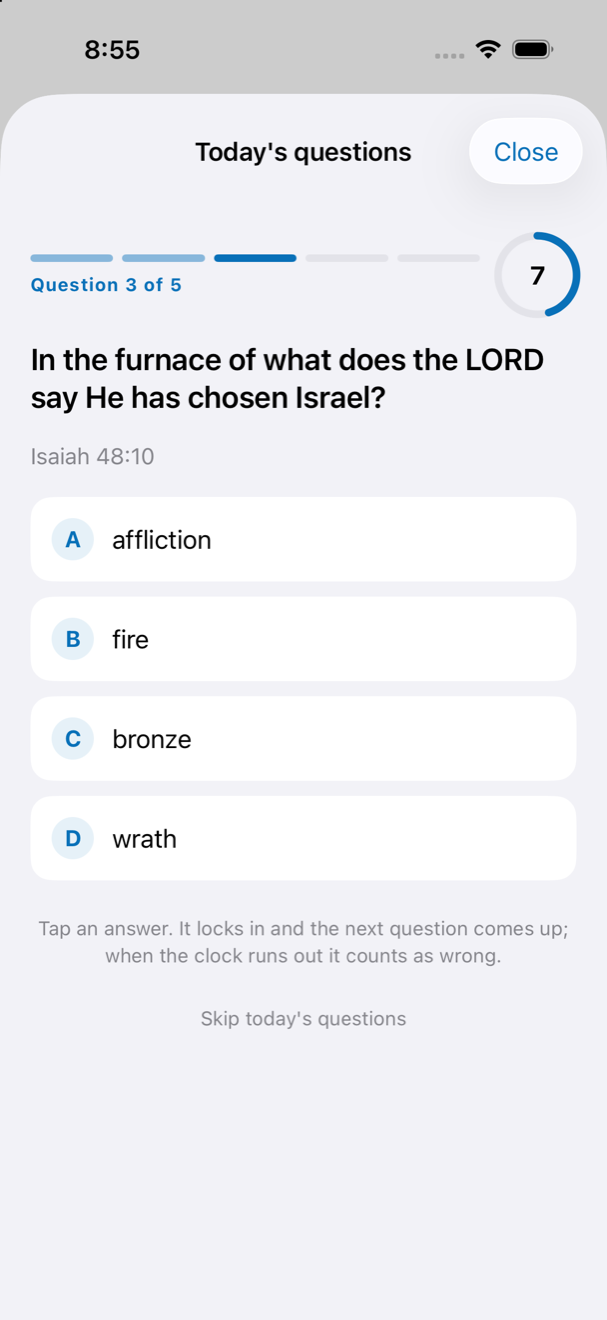
How to get points.
Finishing the day’s reading, answering its questions, marking verses and writing notes — up to 20 points a day, all on the same account as the website.
- 5 for finishing the reading, 2 for each right answer, 1 for each verse you mark (three a day), 1 for each note (two a day).
- Points start over on the 1st, and the board with them. Your streak is separate and never resets.
- Keep score and Keep a streak are switches in Account, if you would rather not be on the boards.
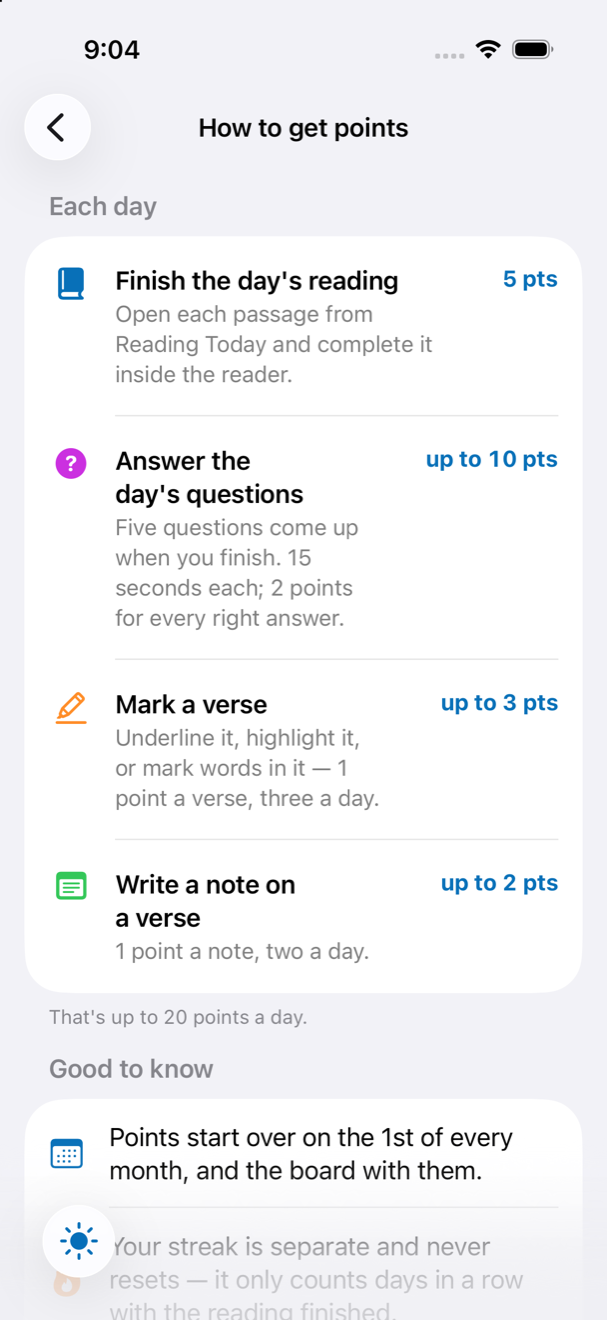
The Community Feed.
What the church has been doing — readings finished, verses marked, notes written, life verses chosen — newest first, on Today.
- A marked verse shows in the colour it was marked; marked words show the words.
- Tap a verse to open it in the Bible.
- Show me in the Community Feed is a switch in Account; off, nothing of yours appears.
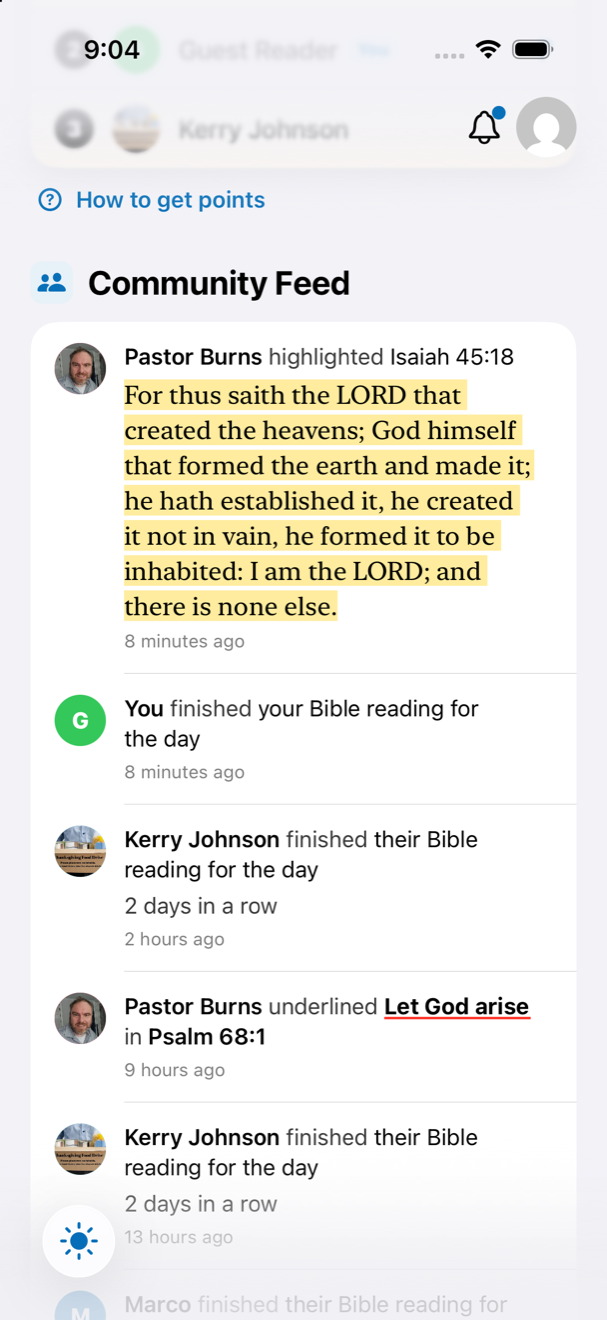
Every message, watched or listened to.
The whole archive, searchable by speaker and passage.
- A Video / Audio switch on messages that have both — turning to video pauses the recording so you never lose your place.
- A Notes tab when the preacher has written notes — the outline with blanks you tap to reveal, while the video keeps playing above.
- Audio keeps playing when you leave the page or lock the phone, with a small player bar at the foot of the app — 15-second skips and a speed control included.
- Tap Say Amen under a message that spoke to you; the count is shared with the whole church.
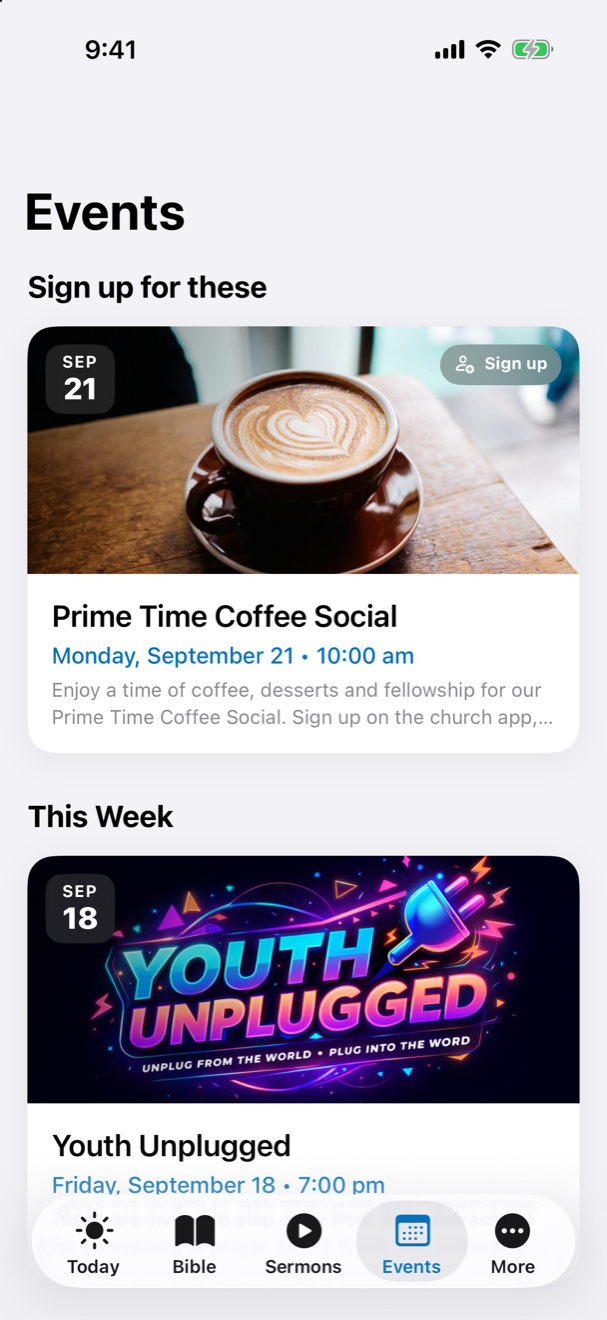
Events, with the sign-up on the page.
Month by month, with the posters, the times and directions.
- Anything that takes sign-ups can be signed up for right there.
- The church calendar is one tap from the bottom of the list.
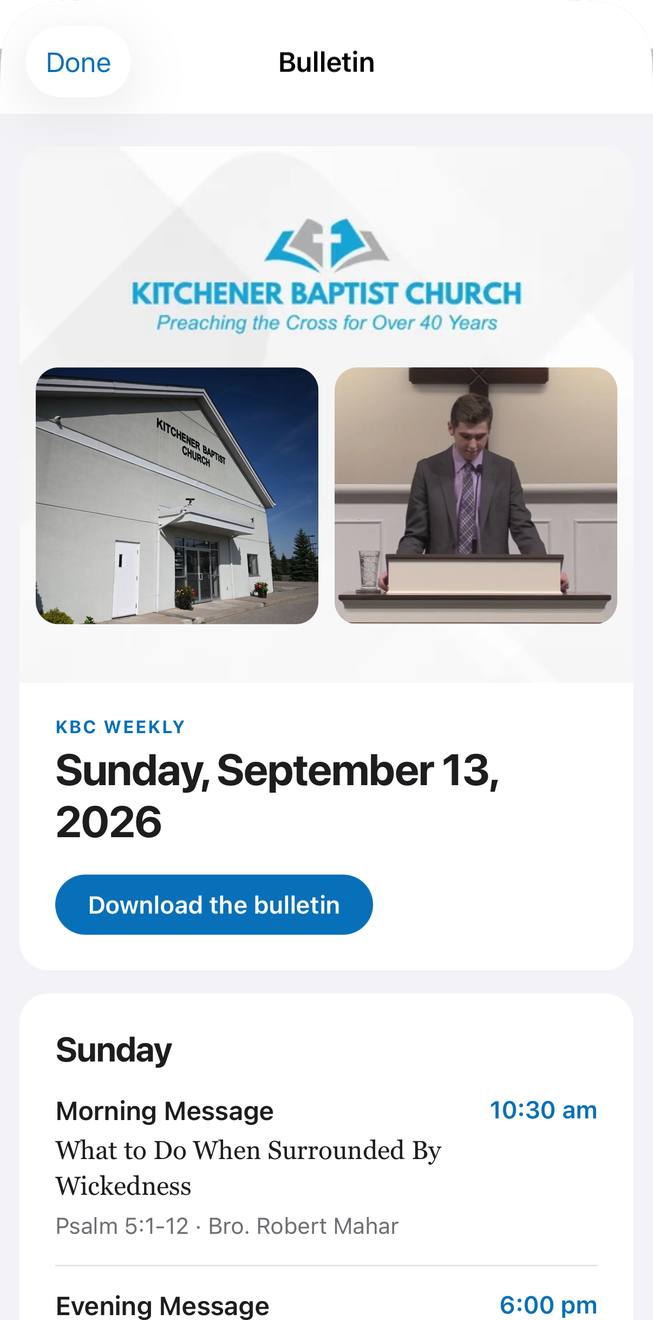
This week’s bulletin, the moment it is sent.
The same issue the mailing list receives, read in the app rather than in an email.
- Sunday and the week ahead, the messages, and who is taking part.
- It comes up over the page, and a downward flick puts it away.
- The printed version is one tap away if you would rather have it.
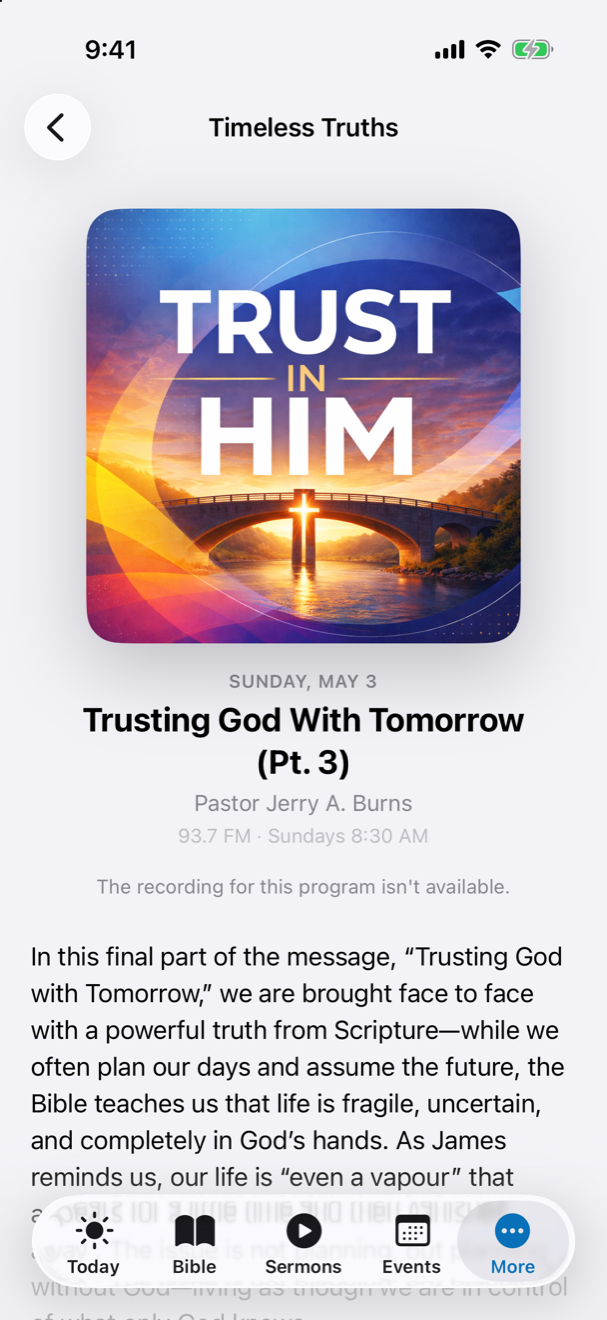
Timeless Truths, every week.
The church’s radio programme — 93.7 FM, Sundays at 8:30 — playing through the app’s own player.
- Each week’s message with the programme notes underneath it.
- It uses the same background player as the sermons, so it keeps going while you do something else.
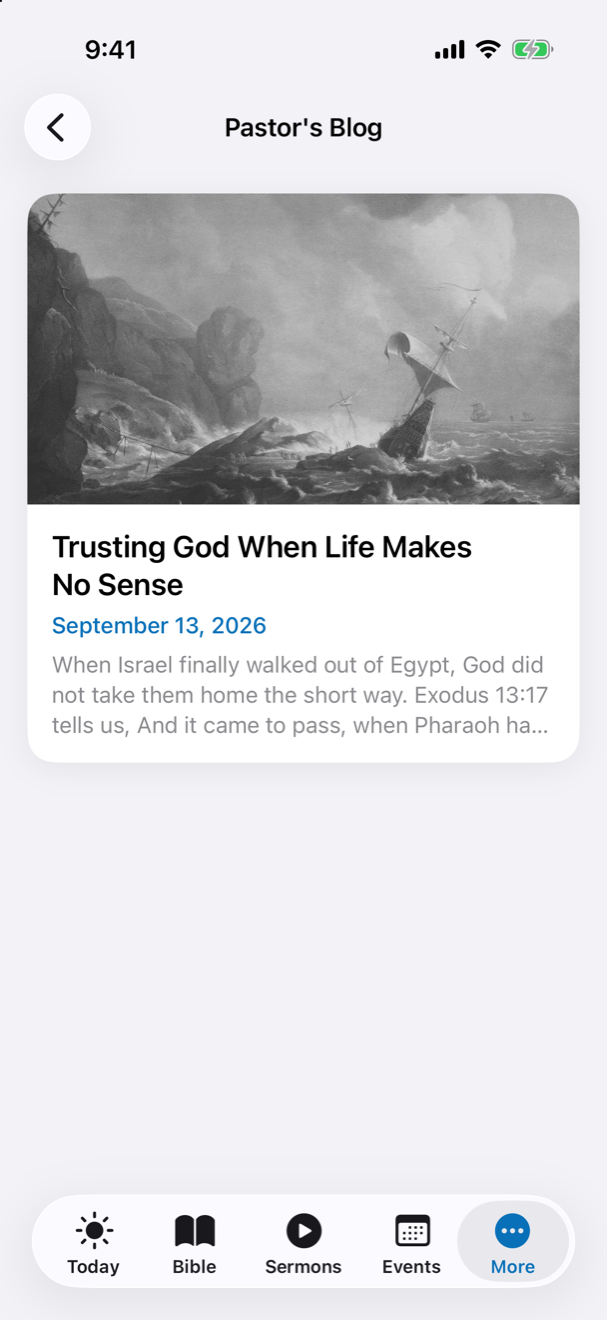
Pastor’s Blog, in the app.
The website’s posts, newest first, read without leaving what you were doing.
- A post tied to a sermon links straight through to the message.
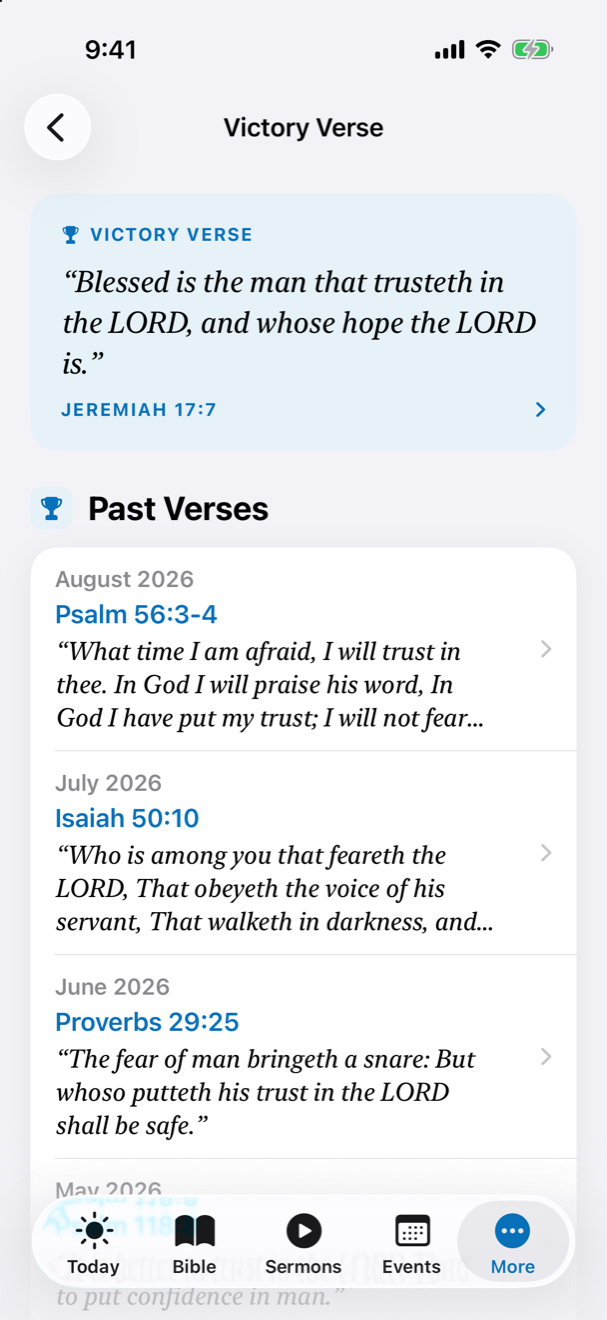
The Victory Verse.
The month’s memory verse from the bulletin, with every month before it underneath.
- Tap the reference to open the verse in the Bible.
- Past verses go back as far as the church has set them.
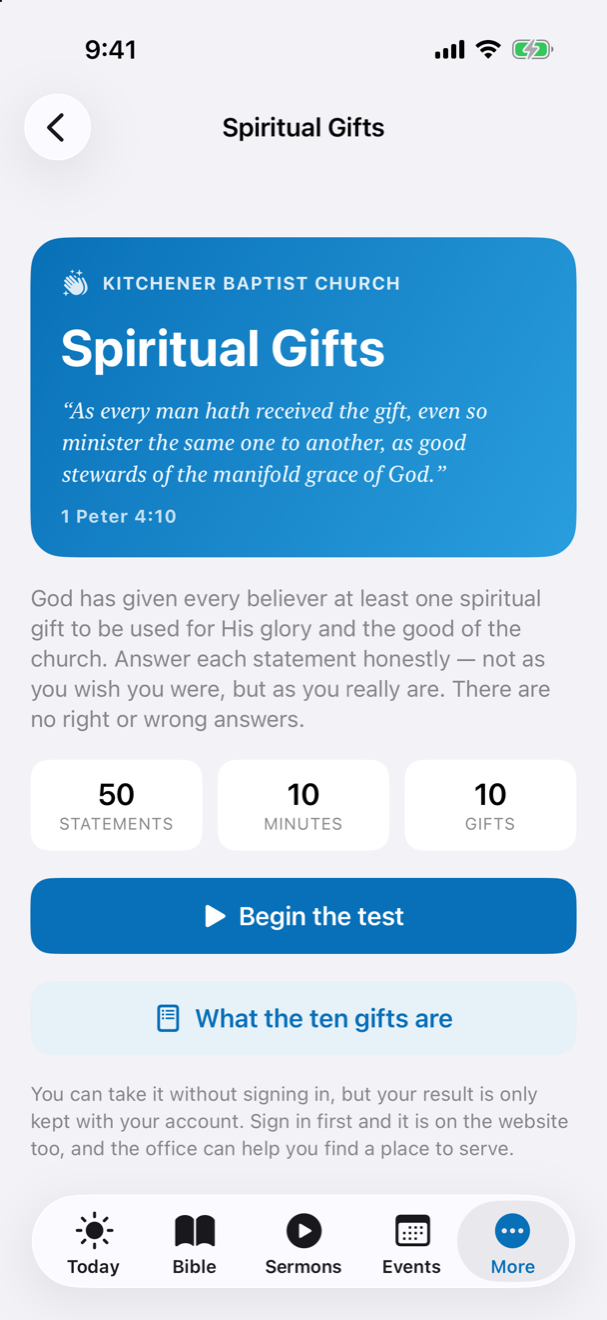
The spiritual gifts test, on your phone.
Sixty statements, about twelve minutes, twelve gifts. Answer as you really are, not as you wish you were.
- Your result is kept with your account, so the website shows it too.
- Each gift comes with the ministries at KBC where it is needed.
- You can take it without signing in — but only a signed-in result is kept.
Ten requests an hour, on every phone at once.
The church’s prayer list is in the app, and each hour it shows the same ten requests to everybody — so the whole church prays through the list together rather than each of us starting at the top. Tap “I prayed for them” and the count beside the request goes up.
One list, in the church’s own order.
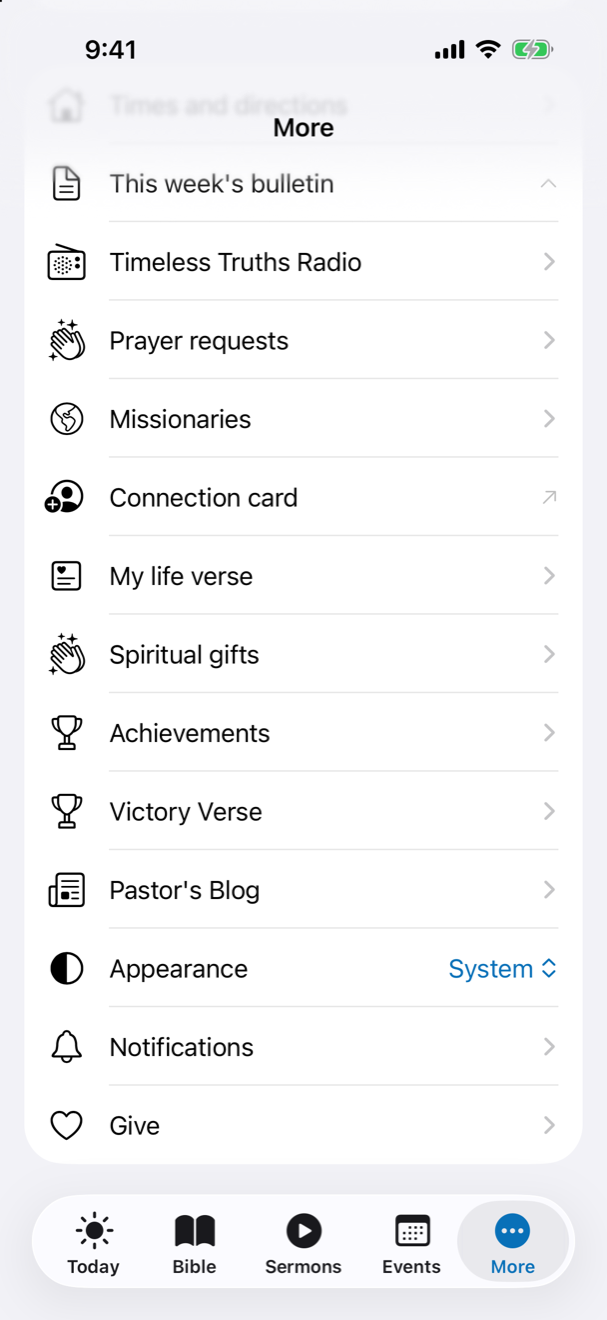
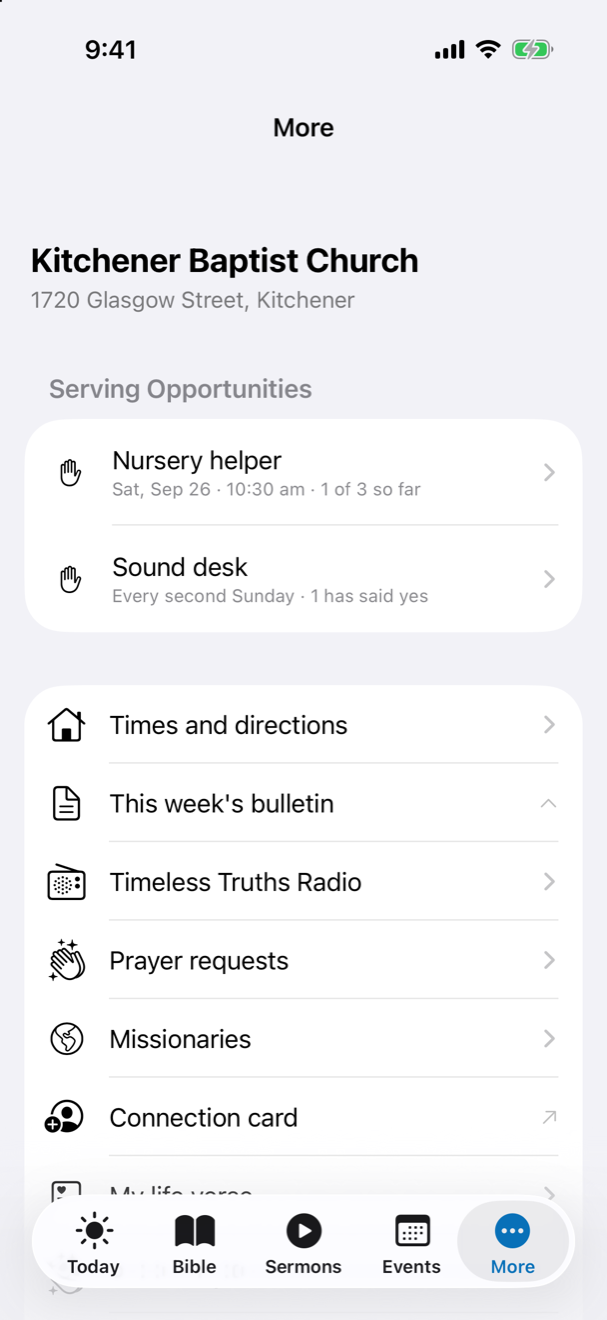
Everything that is not a tab of its own lives under More — and the serving opportunities the church is asking for sit at the top of it.
- Prayer requests, Missionaries and their letters, the Connection card.
- My life verse, Spiritual gifts, Achievements — the badges the website gives, earned the same way.
- Appearance — light, dark, or whatever the phone is set to.
Some rows only appear when the office opens them.
If one is not there, it has not been opened to you yet. Ask the office and it appears the next time the app checks in.
- Church Directory — the names and numbers from the office’s own records.
- Service Schedule — the completed orders of service, for whoever takes part.
- Children’s Workers Policy — the policy, the video and the quiz.
- Meal Care — when the church is taking meals to a family, so you can take a day.
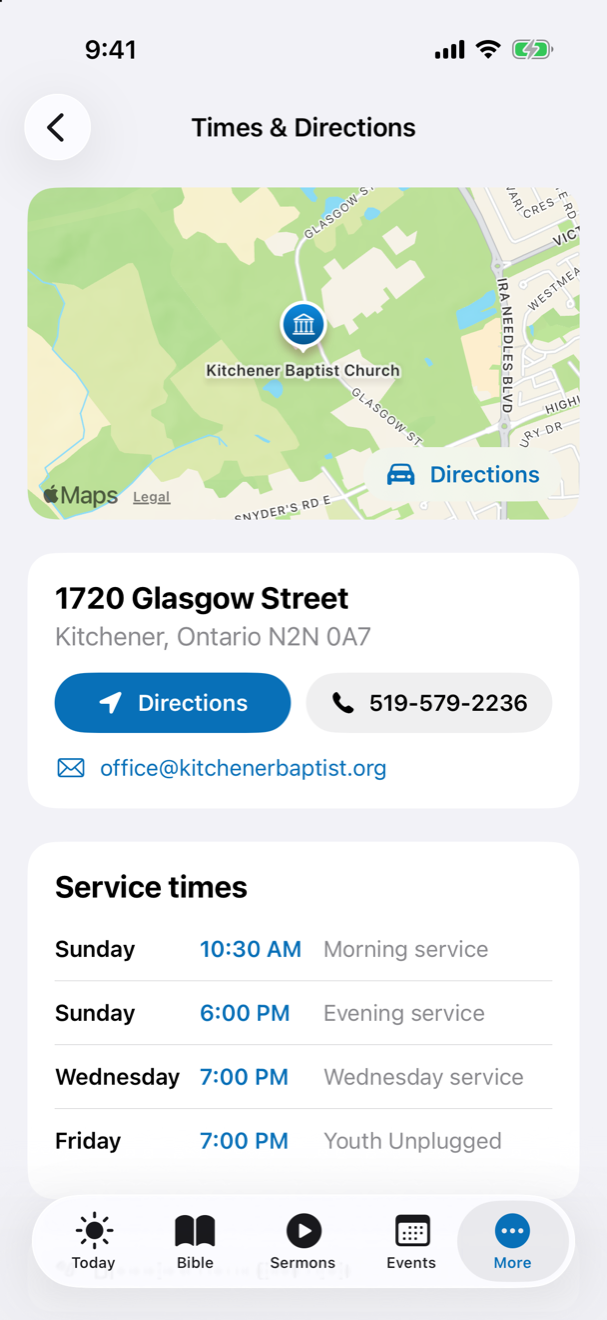
The map, the times, and one tap to be driven.
Where the church is, when it meets, and how to reach the office.
- Directions open in Maps from either the map or the button.
- The phone number dials; the office email opens a message.
- All four weekly services, including Youth Unplugged on Friday.
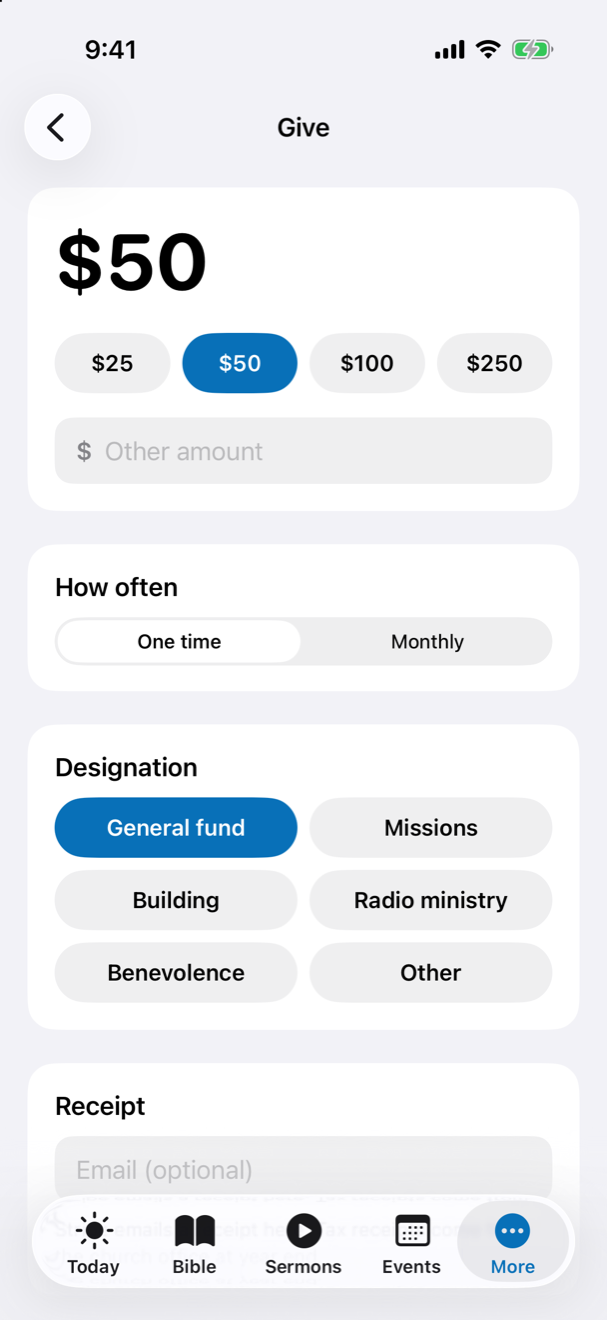
Give from the app, one time or monthly.
Choose the amount, how often, and where you would like it to go. Stripe takes the payment on its own page inside the app.
- General fund, missions, building, radio ministry, benevolence — or somewhere else you name.
- The e-transfer address and the mailing address are on the same page, with a copy button.
- A receipt by email if you want one.
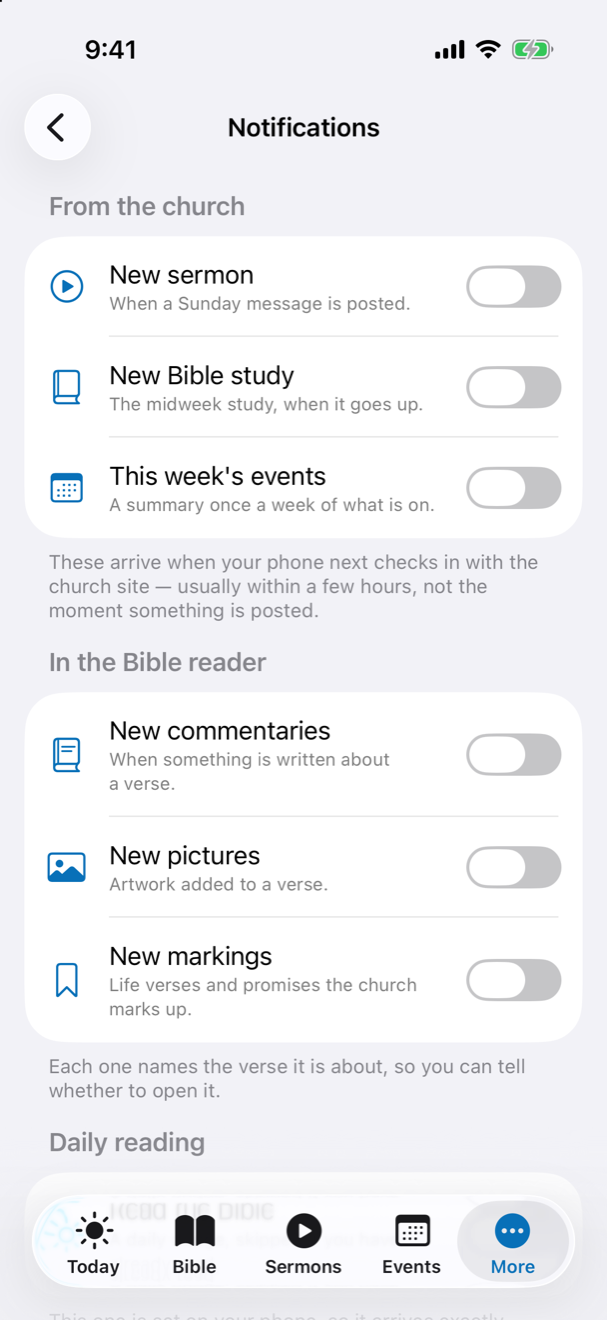
Every notification is off until you turn it on.
Nothing arrives that you did not choose.
- New sermons, new Bible studies, this week’s events, and a daily reading reminder at the time you pick.
- New commentaries, pictures and markings in the Bible reader — each one names the verse it is about.
- The hourly prayer prompt — one name each hour, or one nudge for the hour’s ten. Tapping it opens straight to the prayer.
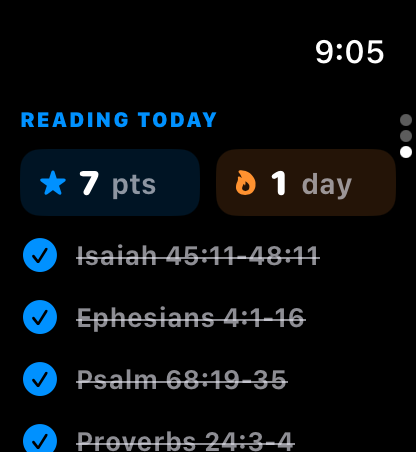
KBC Connect is on Apple Watch too.
Built around one thing: praying for one another.
- One person from the prayer list every two hours — every watch shows the same person, taking turns through the list — with a button to say you prayed.
- A praying-hands complication for your watch face.
- Today’s reading with your points and streak — and once the day is finished on your phone, the five questions, right on your wrist.
- The day’s verse is there as well.
The same account as the website.
Sign in once and your points, your streak, your highlights, your notes, your gifts result and your badges are the same on your phone, on the website, and on an Android phone beside you. Three switches — the Community Feed, Keep score, Keep a streak — decide how much of that the church sees. You can delete the account from the app at any time, and it tells you exactly what goes.
Open the Bible on the webQuestions the guide doesn’t answer?
Contact the church office